Colour preserves the atmosphere
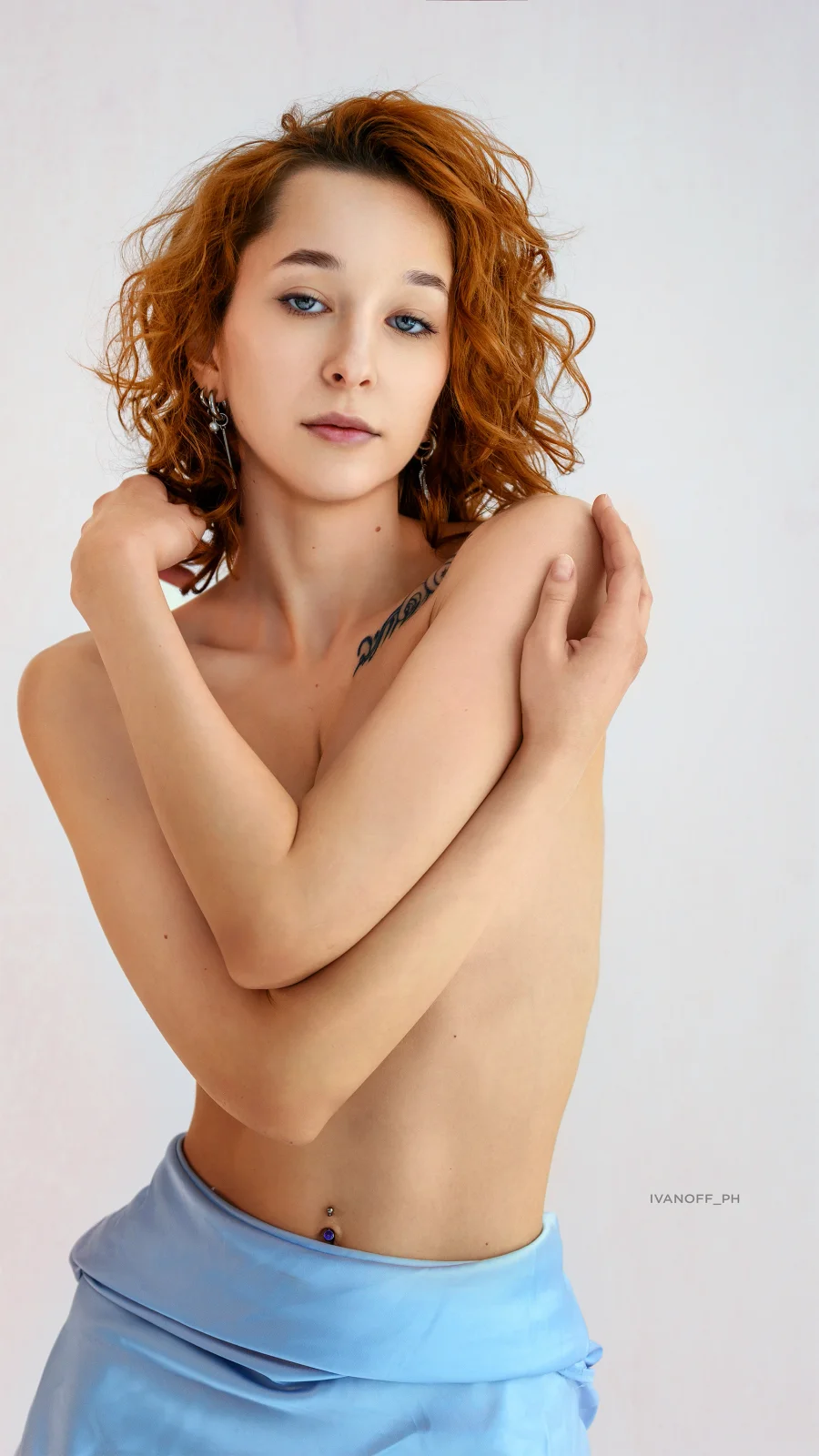
Lighting changes within a shoot. Lighting groups help bring the series together, while manual adjustments preserve the character of each photograph.
A personal photography tool / 2026
From a shoot
to a finished selection.
Select, develop and crop RAW files
in one workspace. With the photographer
in control at every step.
01 / The task
A shoot leaves hundreds of RAW files. Before retouching, each photograph needs to be reviewed, developed and cropped.
I wanted to bring that preparation together: save my selections, correct orientation, balance colour and choose a composition, while staying in control of the result.
That is how Photo Selection began. It handles batch processing so I can focus on the photographs and refine the result where needed.
02 / The workflow
A folder of NEF files, fast previews and automatic orientation.
Check orientation, make selections and mark images for TIFF export.
Batch processing with individual colour adjustments.
An automatic suggestion and manual control over composition.
Finished JPEG and TIFF files with your saved adjustments.
You can return to any photograph. Newly selected images join the processing queue; completed images without changes are skipped.
03 / The interface
Choose a stage and enlarge the screenshot to explore the details.
The shoot and filters on the left, the photograph in the centre, tools on the right. Everything needed to prepare an image is close at hand.
Keep an image, exclude it or revisit the decision later. Work with the keyboard and filter the view to the category you need.
The tool develops selected images. Refine exposure, white balance, contrast, highlights and shadows in the enlarged view.
Images with similar lighting are grouped together. A reference image sets the shared white balance and tone while individual adjustments are retained.
A local AI model suggests crops. The photographer chooses the composition and adjusts the frame when needed.
JPEG files for all retained images and a separate TIFF selection for retouching. Both include development, individual adjustments and the saved crop.
The actual interface with an anonymised 22-image demonstration set. File names and paths are hidden. Interface screenshots are in Russian.
04 / Creative control
Lighting changes within a shoot. Lighting groups help bring the series together, while manual adjustments preserve the character of each photograph.
A local AI model detects the body and face to suggest crops. Manual framing, aspect ratios and five types of composition guides remain available.
Restore an excluded image, rotate it, refine its colour and crop. Decisions are saved in the project; the original NEF files remain unchanged.
05 / The result
All retained photographs with development and saved compositions, in a separate folder for viewing and sharing.
Images marked for TIFF export. 16-bit, without resizing, including development, individual adjustments and cropping.
Photographs are processed locally. The project stores selections and settings; the queue runs batch tasks and shows progress.
Your project